
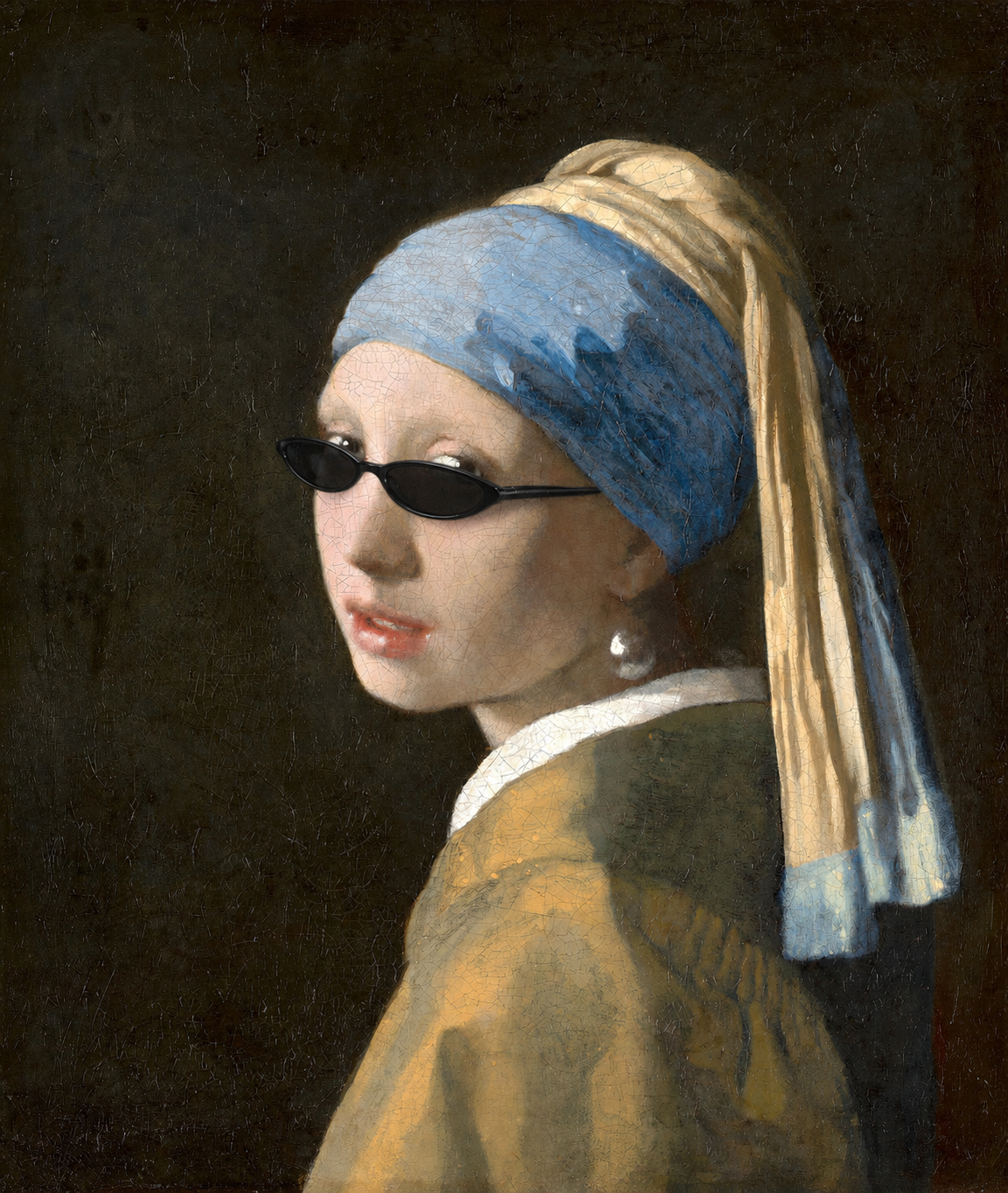

Images, video, and text share the same canvas
Place 4K video, PNGs, long copy, reference images, and moodboards in one space. Scale, align, nest, and arrange everything in context.
Lin Yuki
AI-Native Motion Canvas
Generate, arrange, animate, and export from one infinite canvas. Image and video models, timeline motion, and MP4 export stay together.
Browser canvas · Codex MCP App · Export MP4
MCP App
Open the same Flare project from ChatGPT or Codex. The agent reads the canvas annotation and returns the edit where it belongs.
Features
Generate assets, arrange images, video, and text, add timeline motion, reuse team materials, and export MP4 without bouncing between tools.
Create
From the first prompt to a finished MP4 cut.
Place 4K video, PNGs, long copy, reference images, and moodboards in one space. Scale, align, nest, and arrange everything in context.
Switch models without leaving the canvas. Outputs land in the project, ready to arrange, animate, or export.
Add IN / OUT animations to make a layer move. Open the timeline when you need frame-level control over transform and opacity.
Layer timing and motion render through the same playback logic into MP4. Preview is the source of truth.
Collaborate & reuse
Everything around the canvas that keeps a team fast.
Find references, generation history, and brand assets with a short description instead of file names.
Designs and HTML fragments land as editable layers, ready to revise and remix.
Assets, permissions, and members live together, so handoffs don't lose context.
Turn a workflow into a Recipe, rerun it with new inputs, then remix or publish it for the team.
Workflow
Each step is a keyframe: follow the playhead and a canvas project becomes a publishable short video.
Drop in existing images, videos, and references, or generate the first asset from a prompt.
Build the hero visual, moodboard, storyboard, and size variants on an infinite canvas.
Use preset animation and keyframes to turn static assets into motion you can preview live.
Manage workspace members and projects, then export MP4 for publishing.
What We Believe
AI generation shouldn't stop at an isolated image. So we put canvas, generation, motion, and export into one workspace.
flare.design · 2026
No install, no setup. Go from the first image to an MP4 cut today.